
Agent Intuition
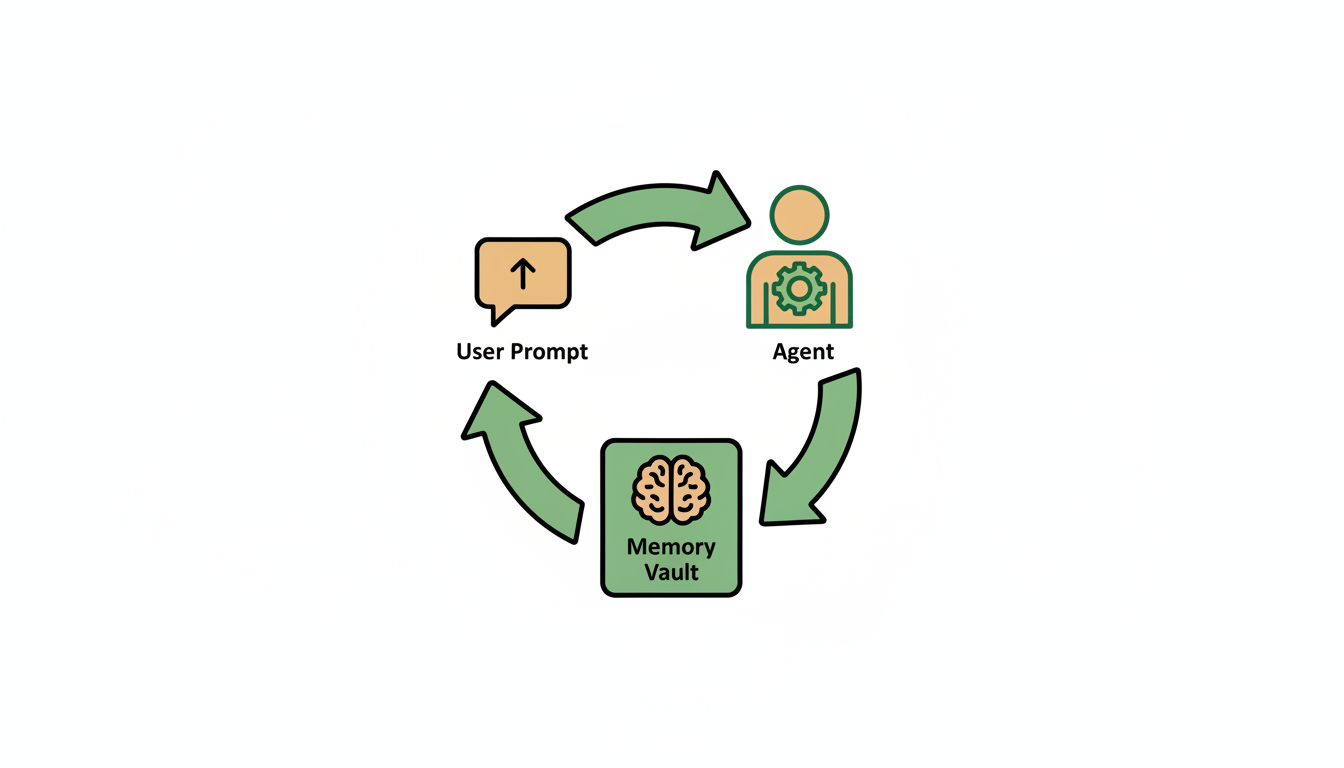
Agent Intuition is the part of Alfrada that helps work compound instead of reset.
It is not just a place to save preferences. It is the system Alfrada uses to carry forward stable context, reusable playbooks, and learned ways of working so future sessions can start from a better place.
Two Different Memory Surfaces
The easiest way to understand this part of the product is to separate two things that often get blurred together:
Agent Intuition: structured memory and playbooks that represent durable contextHistory Search: searchable conversations and files from earlier sessions
Both matter. They solve different problems.
Use Agent Intuition for what should stay true over time. Use history search when you want to recover an older file, revisit a previous thread, or continue work from an earlier session.
What Agent Intuition Actually Holds
In practice, Agent Intuition is best used for:
- durable rules about how you like work done
- stable personal or business context that helps Alfrada reason better
- domain definitions, preferences, and recurring review standards
- playbooks that capture repeatable ways of working
This is why the system gets stronger with repeated use. It is not just remembering a chat. It is learning the working patterns that are worth carrying forward.
What Happens When It Is On
When Agent Intuition is enabled, Alfrada can proactively pull in useful long-term context at the start of a run.
That can include:
- relevant recall memories
- your available playbooks
- helpful prior file or session context when continuity matters
This is one reason the product feels different from a blank-slate chatbot. The system can begin with memory, history, and workflow context already in play instead of waiting for you to restate everything manually.
Playbooks Are A Core Part Of This
Playbooks are not an afterthought. They are one of the most important ways Alfrada turns good work into repeatable work.
The product ships with a substantial set of playbooks covering real jobs such as:
- deep research
- scheduled task execution
- portfolio and market monitoring, including PSX workflows
- Google Workspace work across Docs, Sheets, Slides, Drive, Gmail, and Calendar
- bug testing and code audit
- presentation craft and strategy
- media workflows including video, editing, narration, and music
When Agent Intuition is on, Alfrada can scan the available playbooks, open the one that matches the job, and use it as working guidance. Over time, playbooks can also be updated or newly created as your team develops better patterns.
How History Search Complements Intuition
History Search is the recovery layer.
It is what you use when you want Alfrada to:
- find an older file
- search across previous conversations
- resume a project from where it last stopped
- pull back the full conversation from an older thread
- list files from another session so you can reuse them
This matters because continuity in Alfrada is not magical guesswork. It is a combination of durable intuition and searchable history.
Search my conversation history and find `syz.docx`. I think this was about 5 days ago. Pull the relevant context into this session and tell me what it was about.This is a good example of using history search for a concrete artifact rather than trying to remember everything yourself.
Search my conversation history for the last time we worked on [project or client]. Summarize where we left off, what files mattered, and what the best next step is.Use this when the work lives across sessions and you want continuity without restarting from zero.
What You Control
- turn Agent Intuition on or off
- inspect stored memory
- remove entries you no longer want used
- evolve playbooks as your workflows mature
If you want less persistence, turn it down. If you want more continuity, keep it on and actively refine what gets remembered.
What To Store
Store things that are stable and helpful:
- preferred output formats
- recurring business context
- domain-specific definitions
- house style and review criteria
- repeatable ways your team likes to run common workflows
What Not To Store
Avoid cluttering memory with:
- one-off task details
- temporary preferences
- sensitive information that should not persist
- artifacts that belong in searchable history rather than durable memory
A Simple Working Rule
Use the right layer for the right job:
- put stable truths and durable preferences into
Agent Intuition - use playbooks for workflows you want repeated
- use history search for older files, previous drafts, and past sessions
- keep current execution details inside the live session
Practical Tip
If you notice yourself repeating the same framing across multiple sessions, that is a strong sign the pattern belongs in Agent Intuition or a reusable playbook.
If you are repeatedly asking “where did we leave this?” that is usually a sign to use history search more deliberately.