
Chat And Sessions
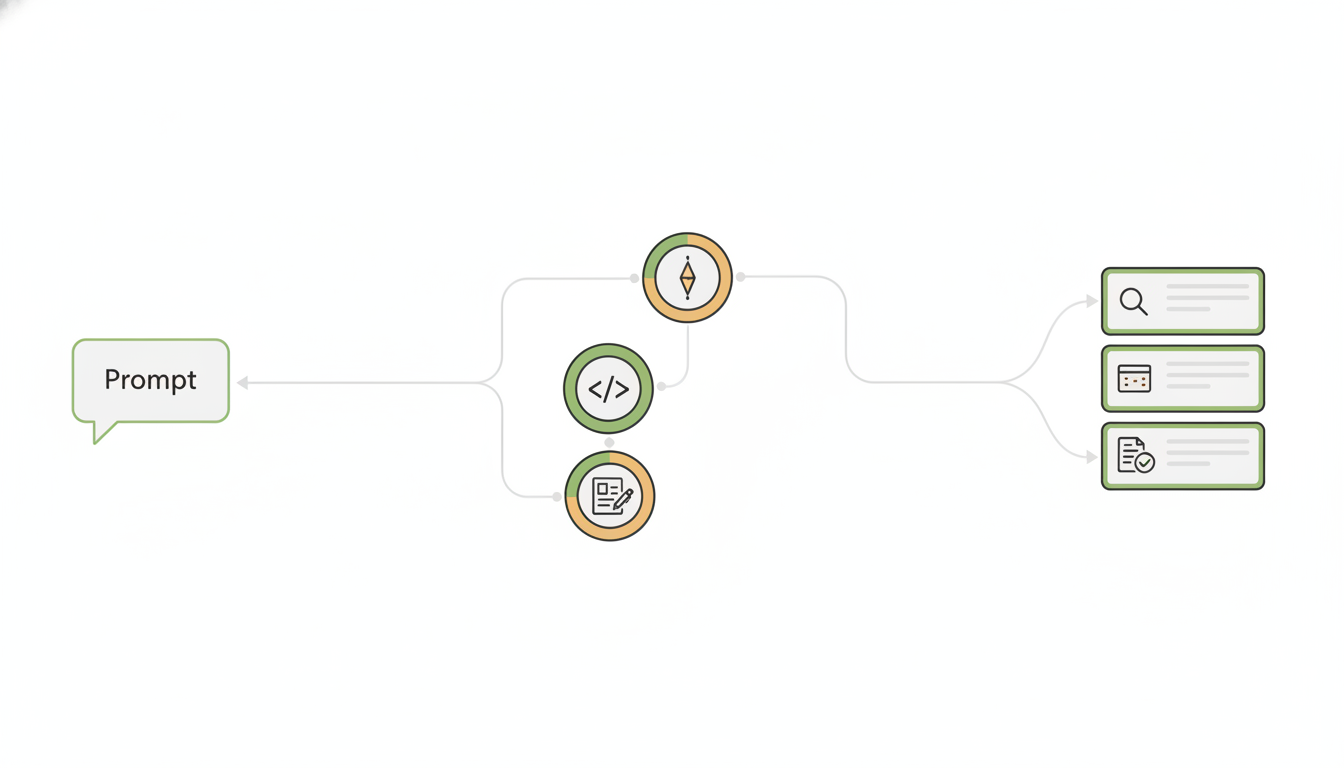
Sessions are the backbone of Alfrada. A session keeps the conversation, selected tools, files, outputs, model choice, and workflow state together.
What A Session Stores
- the conversation itself
- uploaded input files
- generated outputs
- the current model
- mode selection such as single-agent or
Swarm - branch and fork state where applicable
What You Can Do
- create a new chat for a fresh piece of work
- rename a session when the task becomes clearer
- search recent sessions and reopen them
- stop a generation if the response is heading the wrong way
- switch models without leaving the session
- fork a session when you want to explore an alternate direction
When To Start A New Session
Start a new session when:
- the task changes substantially
- the audience changes
- you need a different tool mix
- you want cleaner context for a fresh line of reasoning
When To Stay In The Same Session
Stay in the same session when:
- you are iterating on the same deliverable
- the uploaded files are still relevant
- you want outputs and revisions to stay connected
Good session-setting opener
We are starting a fresh session for [objective]. Use [key inputs]. The audience is [audience]. I want the final deliverables to be [deliverables]. Keep a clear plan and surface outputs in the work panel as they are created.A strong opener helps Alfrada organize the session correctly from the start.