
Models And Modes
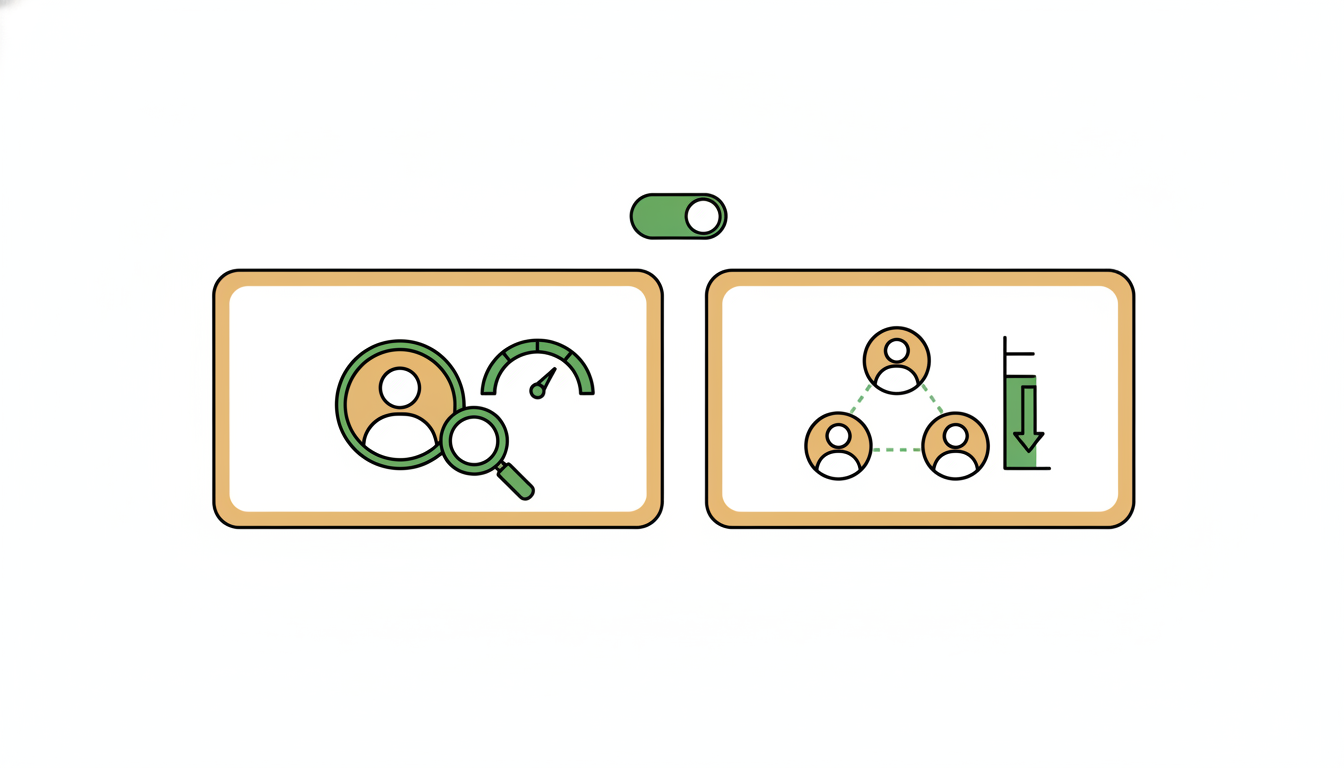
Alfrada lets you choose both a model and an operating mode for the session.
Choosing A Model
The right model depends on the job:
- use faster models for iteration, triage, and lightweight drafting
- use stronger models for synthesis, reasoning-heavy analysis, and polished outputs
- switch models mid-session when the work changes from exploration to refinement
For long-running planning and tool-heavy orchestration, see the Nemotron 3 Ultra guide.
Choosing A Mode
Alfrada supports two main ways of working:
Agent: one primary execution path, best for focused tasks and most day-to-day workSwarm: coordinated multi-agent execution, best when the work benefits from decomposition, parallelism, or review loops
A Simple Rule Of Thumb
- If you can describe the task as one main line of work, start with
Agent. - If the task naturally breaks into research, critique, synthesis, and output roles, use
Swarm.
Model Switching
You can switch the model for a session without losing the session itself. This is useful when:
- you started with a fast drafting model and now want stronger reasoning
- you need different language or coding behavior
- you want to compare how another model handles the same task
What To Specify In Prompts
Instead of saying "use the best model," say what matters:
- depth versus speed
- precision versus brainstorming
- technical detail versus executive summary