
Files And Outputs
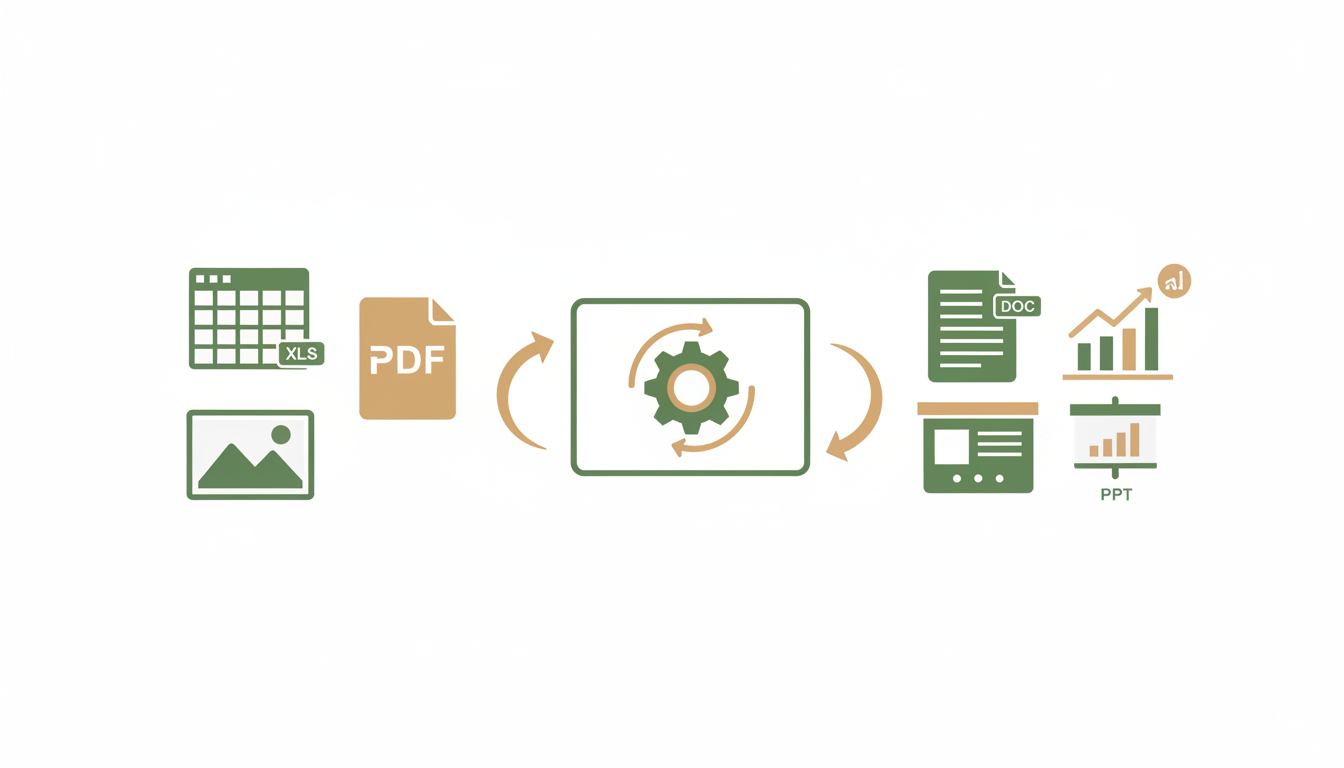
Alfrada sessions can hold both your input material and the outputs created during the workflow.
Inputs
Use uploads when the task depends on your source material:
- spreadsheets
- reports
- notes
- transcripts
- presentations
- media files
Outputs
Outputs created during a session can show up as:
- markdown files
- generated reports
- presentations
- cleaned or transformed datasets
- rich media artifacts
See A Media Workflow
This mockup shows how file uploads, image generation, and the Generated Files panel work together in a real session — including thumbnail previews, file inventories, and iterative editing.
Ada
OG Retro Images of Alfrada on Mars
Session workspace
Work Panel Surfaces
The work panel helps you inspect and manage artifacts:
Uploadskeeps track of source filesGenerated Filesshows outputs produced during the sessionMarkdownlets you review written artifactsPresentationsshows deck outputs
Best Practices
- upload the source material before asking for analysis
- ask for named files and deliverables
- reference existing uploads when asking for revisions
- treat the work panel as the source of truth for generated artifacts
Output-aware request
Use the attached files to produce three outputs: 1) a cleaned CSV, 2) a one-page markdown summary, and 3) a presentation outline. Name the outputs clearly and keep each artifact focused on an executive audience.Good output framing encourages Alfrada to generate inspectable artifacts instead of burying everything inside a long chat message.